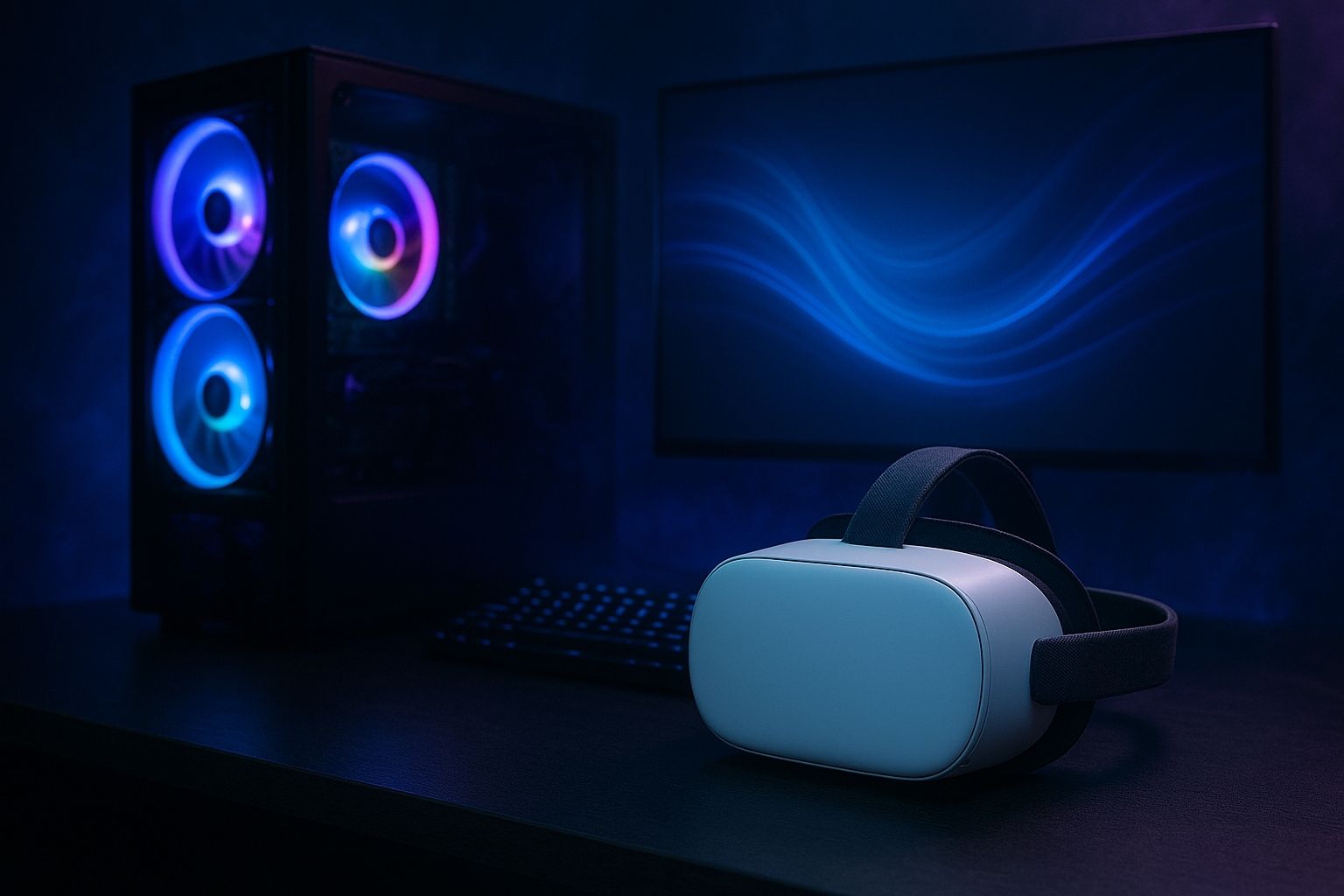
You drop a brand-new VR headset over your eyes, fire up your first game… and instead of a smooth sci-fi dream, you get a choppy slideshow.
Yeah… no one wants that.
This is your 2025 crash course to setting up a PC for VR—direct from gamer to gamer. No fluff, no corporate speak. Just the specs that matter, the traps to avoid, and the tweaks that take you from meh to mind-blown.
1. Why PC VR in 2025 Is Still the Real Deal
Standalone headsets like the Meta Quest 3 are perfect for quick, casual sessions. But when you plug into a high-powered PC, VR transforms. You get sharper visuals, smoother motion, better tracking, and the ability to mod or stream without limits.
If you want to push refresh rates past 120 Hz, explore massive open worlds without stutter, or use pro-level VR tools, a strong PC is still the gold standard in 2025.
2. Step 1 – Pick Your Headset & Know Its Demands
Before tweaking your PC, you need to understand the demands of the headset you’re connecting. Each model has its own resolution, refresh rate, and connection requirements—and these directly affect your choice of GPU, ports, and even play space setup.
Here’s a quick breakdown of the most popular VR headsets in 2025, along with what your system needs to run them properly:
| Headset | Display | Refresh Rate | PC Link | Recommended GPU | Notes |
| Valve Index | Dual 1440×1600 LCD | Up to 144 Hz | DP 1.2 + USB 3.0 | GTX 1070+ | Needs base stations, 2×1.5 m space |
| HTC Vive Pro 2 | 5K per eye | 120 Hz | DP 1.2 + USB | RTX 3080+ | Ultra-sharp, heavy GPU demand |
| HP Reverb G2 | 4K per eye | 90 Hz | DP 1.3 + USB 3.0 | RTX 2060+ | Easier setup, inside-out tracking |
| Meta Quest 3 | 2064×2208 per eye | 120 Hz | Air Link / USB-C | RTX 2070+ | Standalone + PC mode flexibility |
3. Step 2 – Match or Crush the Recommended PC Specs
Even the best headset will underperform if your PC can’t keep up. The GPU handles most of the VR load, but CPU, RAM, and storage speed all play a role in keeping frames consistent and latency low.
These are the baseline, sweet spot, and high-end specs you should consider in 2025:
| Build Level | GPU | CPU | RAM | Storage | Ports |
| Bare Minimum | GTX 1060 / RX 480 | i5-4590 / Ryzen 5 1500X | 8 GB | SSD | 1× USB 3.0 |
| Sweet Spot | RTX 3080 / RX 6800 XT | i7-11800 / Ryzen 7 5800X | 32 GB | NVMe SSD 1–2 TB | Multiple USB 3.0 |
| Beast Mode | RTX 4080 / RX 7900 XTX | High-end i9 / Ryzen 9 | 64 GB | Dual NVMe SSDs | Multiple USB 3.0/Type-C |
4. Step 3 – Storage & Memory Tips
VR games are heavy, both in size and in how fast they need to load assets. Slow storage can create texture pop-ins and longer startup times, breaking immersion. RAM also plays a role in smoothness, especially when multitasking or streaming.
Keep these guidelines in mind:
- SSD is non-negotiable. NVMe M.2 drives offer the fastest load times.
- Capacity: 1 TB is fine for casual play; 2 TB+ for open-world hoarders.
- RAM: 16 GB is serviceable; 32 GB feels smoother; 64 GB only if streaming or editing VR video.
5. Step 4 – Ports, OS & Peripherals
Headsets often require more than one connection, and not all ports are created equal. A mismatched cable or outdated OS can create random detection issues or poor performance.
Make sure you’re set up with:
- Video output: DisplayPort 1.2 or HDMI 2.0+ (check headset requirements).
- USB: At least one USB 3.0 port, ideally more.
- OS: Windows 10/11 (be aware older WMR can be finicky on Windows 11).
- Extra gear: A powered USB hub can prevent disconnects and avoid cable swaps.
6. Step 5 – Pro Setup Sequence
Even a perfect PC can stutter if the setup process is sloppy. Following a proper order ensures the headset initializes correctly and your performance tests give accurate results.
The optimal 2025 VR setup process looks like this:
- Update GPU drivers (NVIDIA or AMD).
- Connect headset (DP + USB), run its setup app (SteamVR, WMR Portal, Meta Link).
- Map your play space (minimum 2×1.5 m for room-scale).
- Run a performance test (SteamVR includes one).
- Start at 90–120 Hz, moderate supersampling, then scale up.
7. Common VR Problems & Quick Fixes (Extended)
VR troubleshooting is easier when you know the usual suspects. Many common issues stem from lighting, power, or drivers.
Here’s a more complete list of problems and fixes in 2025:
| Problem | Cause | Quick Fix |
| Choppy frame rate | GPU not keeping up | Lower supersampling, enable motion smoothing |
| Tracking glitches | Poor lighting/sensor occlusion | Even lighting, clear obstacles |
| USB disconnects | Low-power ports | Use powered USB hub |
| Headset not detected | Driver/firmware mismatch | Update firmware + reinstall VR platform |
| Stuttering after hours | Thermal throttling | Improve cooling, check CPU/GPU temps |
| Audio desync | Driver conflict | Reinstall audio drivers, set default device manually |
8. Builds by Budget – 2025 Recommendations
Not everyone has the same wallet size—or the same performance needs. Choosing the right build for your budget ensures you’re getting the most FPS per dollar spent.
Budget (~$800)
- GPU: RTX 3060 / RX 6600 XT
- CPU: Ryzen 5 5600 / i5-12400F
- RAM: 16 GB DDR4
- Storage: 1 TB NVMe SSD
- Performance: 90 Hz VR at medium-high settings.
Mid-Range (~$1,500)
- GPU: RTX 4070 Ti / RX 7800 XT
- CPU: Ryzen 7 7700X / i7-13700F
- RAM: 32 GB DDR5
- Storage: 2 TB NVMe SSD
- Performance: 120 Hz VR at high/ultra settings.
High-End (~$3,000)
- GPU: RTX 4090 / RX 7900 XTX
- CPU: i9-14900K / Ryzen 9 7950X3D
- RAM: 64 GB DDR5
- Storage: Dual 2 TB NVMe SSDs
- Performance: 144 Hz VR maxed-out, plus streaming/content creation.
9. Benchmarks & Performance Targets
Numbers tell the real story. Benchmarks are the best way to confirm if your build meets the demands of modern VR games.
(Insert benchmark screenshots and official tool links here)
- Half-Life: Alyx:
- Mid-Range Build @ 120 Hz, High → 95–110 FPS
- High-End Build @ Ultra → 130–140 FPS
- Assetto Corsa Competizione (VR):
- Mid-Range → 90 FPS with motion smoothing
- High-End → Stable 120 FPS
- Beat Saber (Modded):
- All builds exceed 120 FPS easily
10. Advanced Optimization for VR Gaming
Beyond hardware, software tweaks can make a big difference. A few small adjustments can improve FPS, reduce heat, and smooth frame pacing.
Key optimizations include:
- Overclock with caution for free performance gains.
- Undervolt GPUs to lower temps without FPS loss.
- Disable background apps before launching VR.
- Per-app SteamVR resolution tweaks instead of global changes.
- Enable motion smoothing if FPS dips below target.
- Keep firmware updated for all VR hardware.
- Test community config files from trusted forums.
11. Maintenance & Long-Term Reliability
VR setups benefit from regular upkeep. Neglect can lead to gradual performance loss or hardware failure.
Best practices in 2025:
- Clean lenses with microfiber cloth only.
- Use dust filters on PC intake fans.
- Check cable strain regularly.
- Keep controllers out of direct sunlight.
- Reapply thermal paste on CPU every 2–3 years.
12. Looking Ahead – VR in 2026 and Beyond
PC VR isn’t slowing down. The next two years will bring new tech and higher performance expectations.
Trends to watch:
- Wireless PC VR with Wi-Fi 7 speeds.
- Foveated Rendering for efficiency gains.
- Affordable haptic suits for full-body immersion.
- 144–165 Hz refresh rates becoming the norm.
13. Quick VR Setup Checklist
Sometimes you just want the essentials in one spot. This checklist covers the must-haves before you launch a game:
- GPU & CPU meet/exceed recommended specs
- At least 16 GB RAM (preferably 32 GB)
- NVMe SSD with 1–2 TB capacity
- DisplayPort 1.2 or HDMI 2.0+
- Updated GPU drivers & headset firmware
- Play space mapped & cleared
- Performance test passed at 90+ FPS
14. Bottom Line
With the right components, a bit of space, and a few smart tweaks, your PC can deliver VR in 2025 that’s buttery-smooth and jaw-dropping. Build smart, optimize often, and your setup will stay ready for whatever the next generation of VR throws at it.
Drop your setup in the comments, share this guide, and follow for more gamer-to-gamer deep dives. The future’s already here—step into it.